




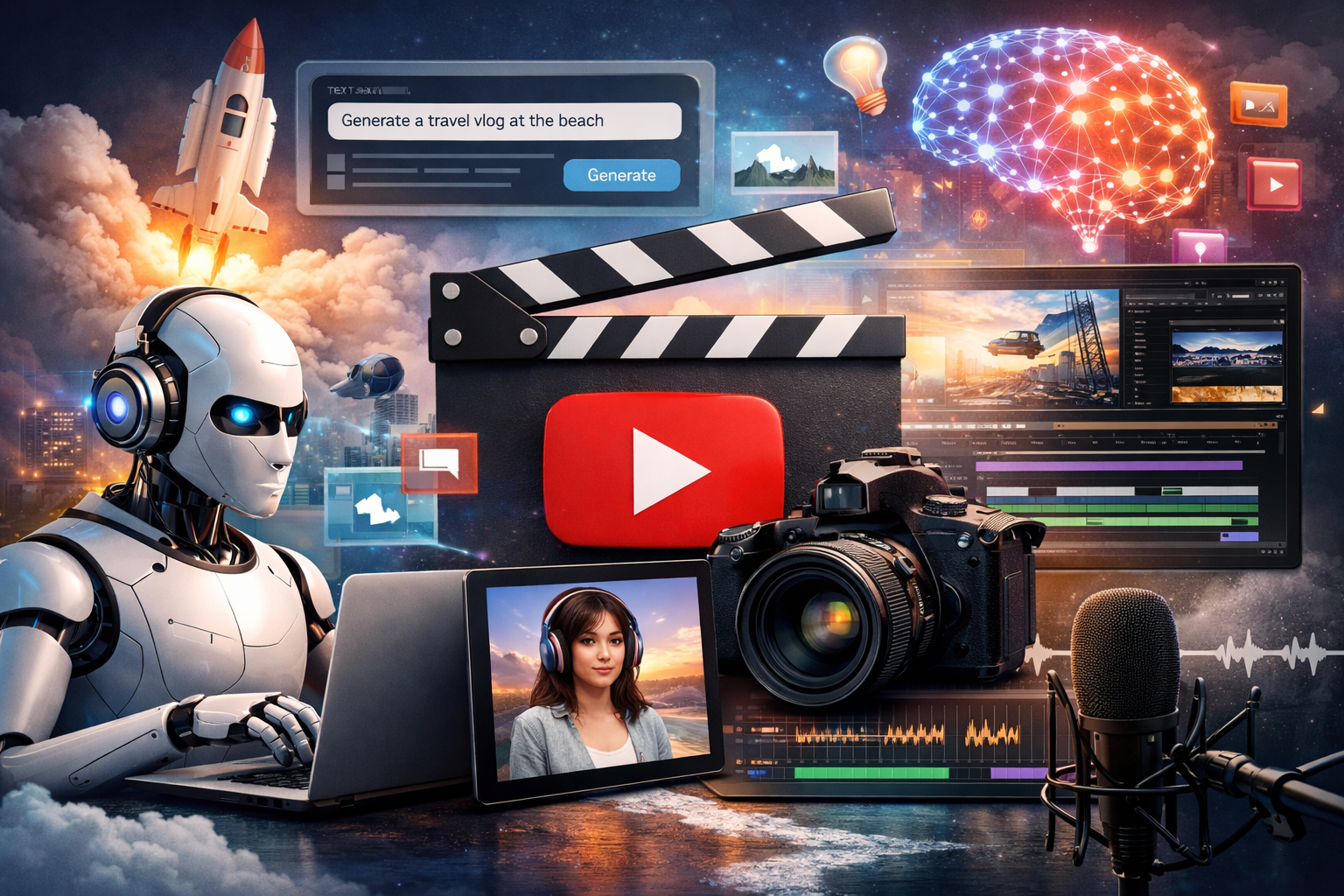
AI tools revolutionize YouTube content creation by automating scripting, editing, optimization, and repurposing, enabling creators to produce high-quality videos faster. These six must-try options streamline workflows and boost engagement for channels of all sizes. Topping the list is invideo, the ultimate all-in-one generator for professional results.
Invideo
Invideo transforms text prompts into full YouTube videos, handling scripts, voiceovers, visuals, subtitles, and music automatically. Users specify topics, audience, length, and style, with the AI selecting from vast stock libraries and generating custom clips using advanced models for seamless output. As a leading ai youtube video editor, it features the Magic Box for intuitive text commands like “add intro” or “change voice,” plus beta tools for animation styles, voice cloning, and dubbing in over 50 languages to refine drafts effortlessly.
Invideo excels among video making apps with its mobile app, allowing creators to generate, edit, and export videos on the go using AI avatars, text-to-video, and UGC ad templates. Workflow presets for Shorts, explainers, or long-form content ensure brand consistency, while plugins enhance customization without complex skills. This accessibility empowers busy YouTubers to maintain production schedules anywhere, turning ideas into polished uploads rapidly.
Opus Clip
Opus Clip excels at converting long-form YouTube videos into multiple Shorts by AI-analyzing hooks, speaker focus, and engagement peaks. It auto-generates dynamic captions, B-roll, transitions, and layouts, with Editor 2.0 adding timeline reordering, speech enhancement, filler word removal, and auto-censoring.
Customization options like caption placement, text overlays, and performance predictions make clips platform-ready, significantly increasing views and shares for repurposed content.
Descript
Descript redefines editing by letting users tweak video transcripts, with AI syncing changes to footage, removing fillers, and applying Studio Sound for noise-free audio. It auto-creates chapters, eye contact fixes, and Shorts, plus supports multi-guest recording and direct YouTube publishing.
Collaboration features enable team comments and AI assistance for scripts or descriptions, slashing edit times for talking-head or interview videos.
VidIQ
VidIQ leverages AI for daily video ideas, title generators, thumbnails v2 with templates, and script writers optimized for retention. It analyzes competitors, predicts views, and identifies outlier successes to replicate high-performers.
Real-time analytics, A/B testing, and channel audits provide actionable insights to improve keywords, retention, and subscriber growth.
Pictory
Pictory turns scripts, blogs, PPTs, or recordings into engaging YouTube videos with AI highlights, captions, templates, and branded elements. It extracts Shorts from webinars and supports multilingual output for broader reach.
The intuitive AI editor requires no skills, enabling quick previews and customizations for educational, explainer, or promotional content.
TubeOnAI
TubeOnAI summarizes YouTube videos, podcasts, articles, PDFs, and Google Docs into key insights, fueling research, scripts, and trends without full consumption. Bulk processing and “People Also Ask” integration spark fresh ideas.
Chat-with-document features answer queries on summarized content, accelerating niche planning and competitive analysis.
Conclusion
These AI tools—starting with invideo’s generative power, through specialized editors like Opus Clip and Descript, to optimizers VidIQ, Pictory, and TubeOnAI—empower YouTubers to create, refine, and scale content efficiently. Integrating them reduces production time from days to hours, enhances quality, and drives algorithm-friendly results. Adopt this stack to consistently upload engaging videos, grow subscribers, and monetize effectively in a competitive landscape.